

About this integration
Embed requires minimal configuration to get set up to process Google Pay. Unlike some other integrations it does not require you to sign up for a Google Developer account.Enable Google Pay
To enable Google Pay, head over to your dashboard and then go to Connections -> Catalog -> Google Pay. Next, fill in your merchant name and merchant URL, and accept the Google Pay terms of service.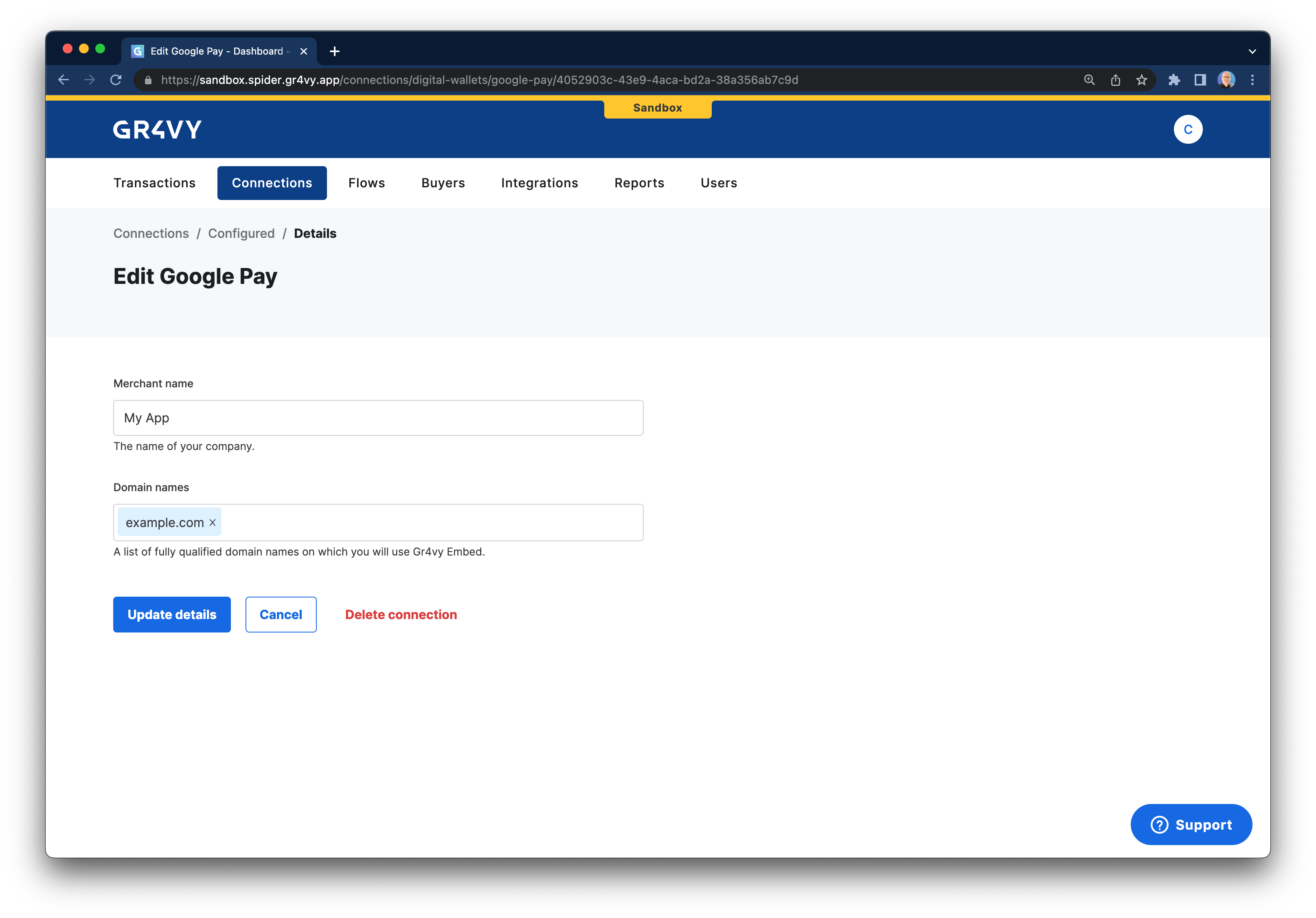
Test Google Pay
To test Google Pay visit the site that has Embed loaded on it. Google Pay should automatically be displayed. When Embed runs with theenvironment option set to sandbox, Google Pay runs in
Google’s test environment. Embed defaults to production, so set this option when you test. Please follow the Google Pay documentation with further guides on how
to add test cards for use in
a sandbox environment.
Common issues
Google Pay pop up shows a OR_BIBID_15 error
Google Pay pop up shows a OR_BIBID_15 error
You may have set the
Cross-Origin-Opener-Policy header on the page on which Google Pay is loaded. Please ensure you set this to allow popups, for example same-origin-allow-popups.