

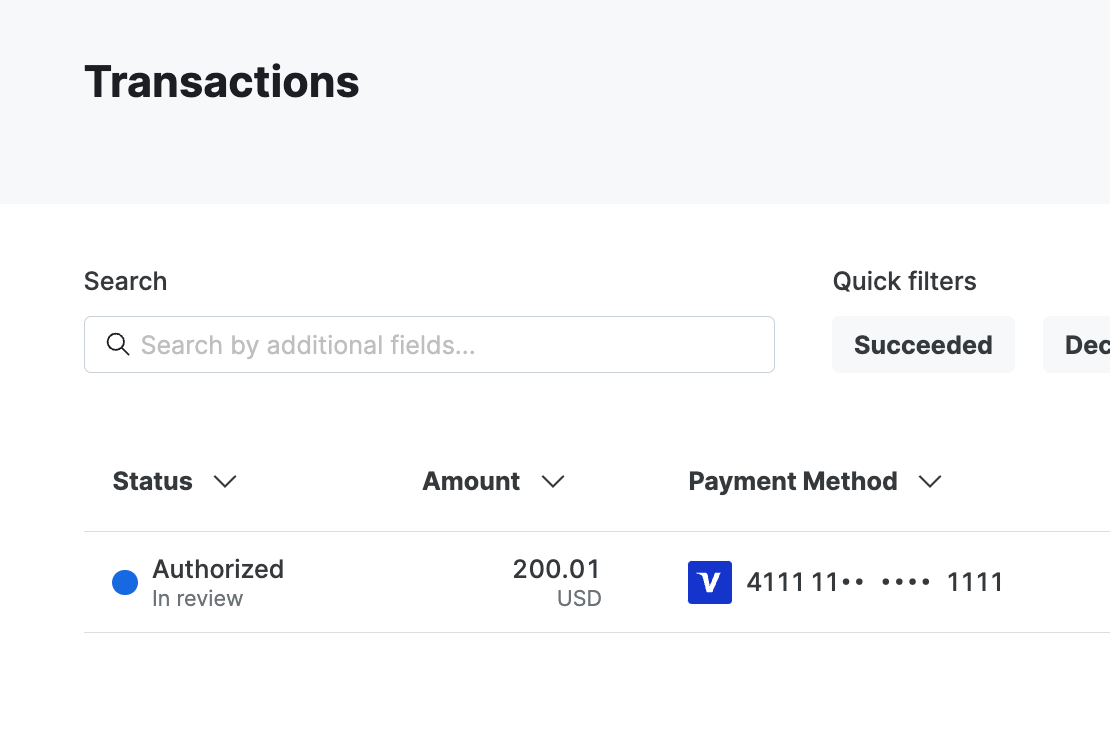
A transaction in review
- The transaction request is accepted
- A call is made out to the anti-fraud service to fetch a decision
- When the service requires a manual review, the transaction is marked as pending review
- The transaction is authorized but does not continue to capture
- When a support agent reviews the transaction a webhook is received
- The pending review status is removed from the transaction
- Either capture proceeds if that was the original intent, or the transaction is voided if it was rejected
Supported connections
The following anti-fraud services currently support manual reviews.- Cybersource Decision Manager
- Sardine
- Sift
Set up webhooks
To enable manual review you need to set up webhooks from your anti-fraud service to the system. This webhook is used to notify when a review has had a decision. To get the webhook URL, head over to your connection by going to Connections -> [Anti-Fraud connection] -> Synchronization and copying the webhook URL. Then follow the guide for your chosen anti-fraud service to set up the webhook in their dashboard.Webhooks during a review
While a transaction waits for a review decision, its transaction webhooks havepending_review set to true. The webhooks you receive next depend on the decision and
on the state of the transaction when the decision arrives.
When
transaction.authorized has pending_review set to false, no review is outstanding.
When it’s true, wait for one of the events in the table before you fulfill the order.
The transaction’s anti_fraud_decision keeps its original review value after the review
is resolved, so use pending_review to track the review. The anti_fraud_decision field is
available when you get the transaction, but isn’t
included in webhooks.