> ## Documentation Index
> Fetch the complete documentation index at: https://docs.gr4vy.com/llms.txt
> Use this file to discover all available pages before exploring further.
# iOS SDK
> Get set up with the iOS SDK for your checkout experience.
**New Swift SDK Available**
It is recommended to use the new [Swift SDK](/guides/payments/native/overview) for native iOS development. It provides native 3DS support, improved performance, and a modern API. This iOS SDK (Embed-based) is still supported and maintained for web view implementations.
With the Swift SDK, your app collects the card number in its own fields, which puts your app in scope for the Payment Card Industry Data Security Standard (PCI DSS). See [Self-certification and scope](/guides/payments/native/overview#self-certification-and-scope) before you choose it. To keep card data out of your app, use this Embed-based SDK.
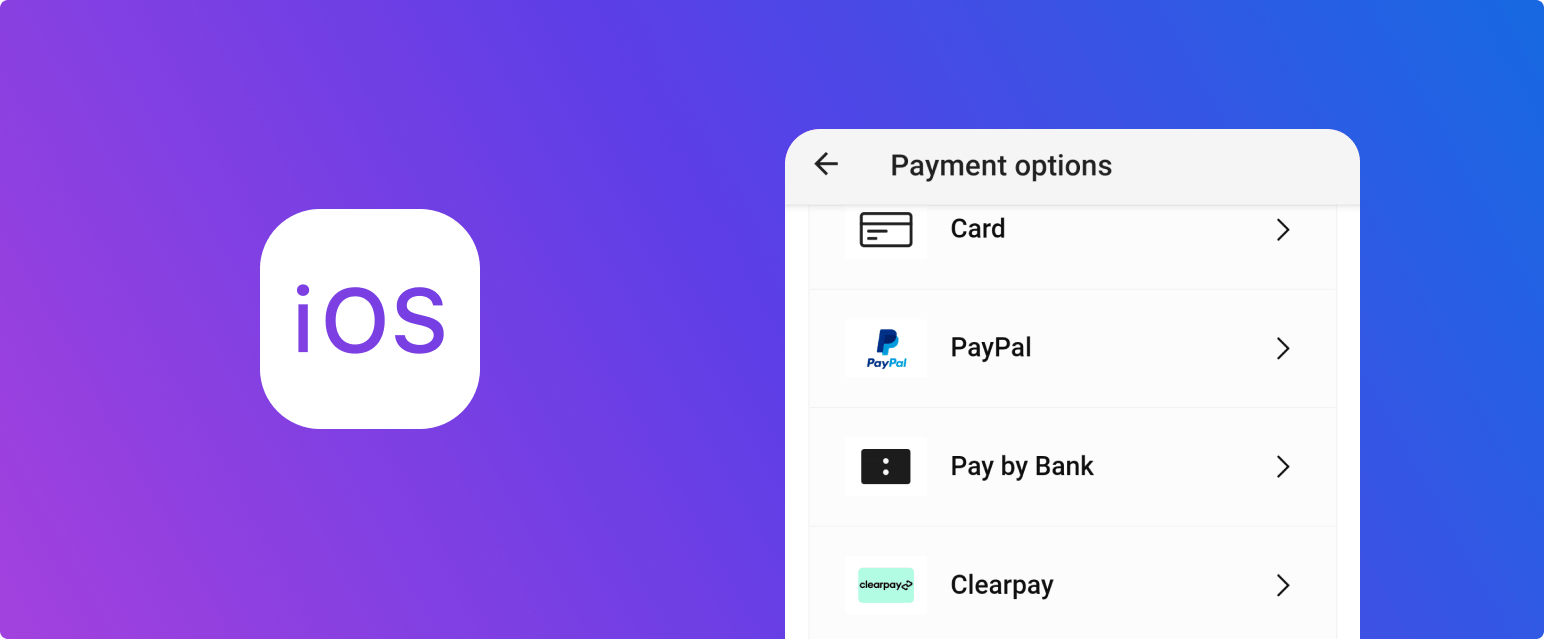 In this quick start guide, you are taken through the following steps.
1. [Create an API key](/guides/payments/ios/quick-start/key) which is needed to generate
the signed JWT token in step 2.
2. [Set up a server-side SDK](/guides/payments/ios/quick-start/sdks) to generate a client
token for authenticating to the API.
3. [Install the iOS SDK](/guides/payments/ios/quick-start/ios) which handles the
capture of the payment method details and process the payment.
4. [Process the transaction](/guides/payments/ios/quick-start/transact) and inspect the result.
\`
This documentation is built and hosted on [Mintlify](https://mintlify.com), a developer documentation platform.
In this quick start guide, you are taken through the following steps.
1. [Create an API key](/guides/payments/ios/quick-start/key) which is needed to generate
the signed JWT token in step 2.
2. [Set up a server-side SDK](/guides/payments/ios/quick-start/sdks) to generate a client
token for authenticating to the API.
3. [Install the iOS SDK](/guides/payments/ios/quick-start/ios) which handles the
capture of the payment method details and process the payment.
4. [Process the transaction](/guides/payments/ios/quick-start/transact) and inspect the result.
\`
This documentation is built and hosted on [Mintlify](https://mintlify.com), a developer documentation platform.