> ## Documentation Index
> Fetch the complete documentation index at: https://docs.gr4vy.com/llms.txt
> Use this file to discover all available pages before exploring further.
# Payment link expiration and statuses
Your customer uses the payment link to create the payment. Once the transaction is created, the customer
is redirected to the `return_url` you specified, or shown the page's own confirmation screen if you didn't set one.
Gr4vy appends `gr4vy_transaction_id` and `gr4vy_transaction_status` to the `return_url`. The redirect happens
for every transaction outcome, including declines, so check the status before you treat the order as paid.
To confirm the result, [get the transaction](/reference/transactions/get-transaction) or listen for
[transaction webhooks](/guides/features/webhooks/overview).
## Statuses
The page displays different content based on the status of the payment link.
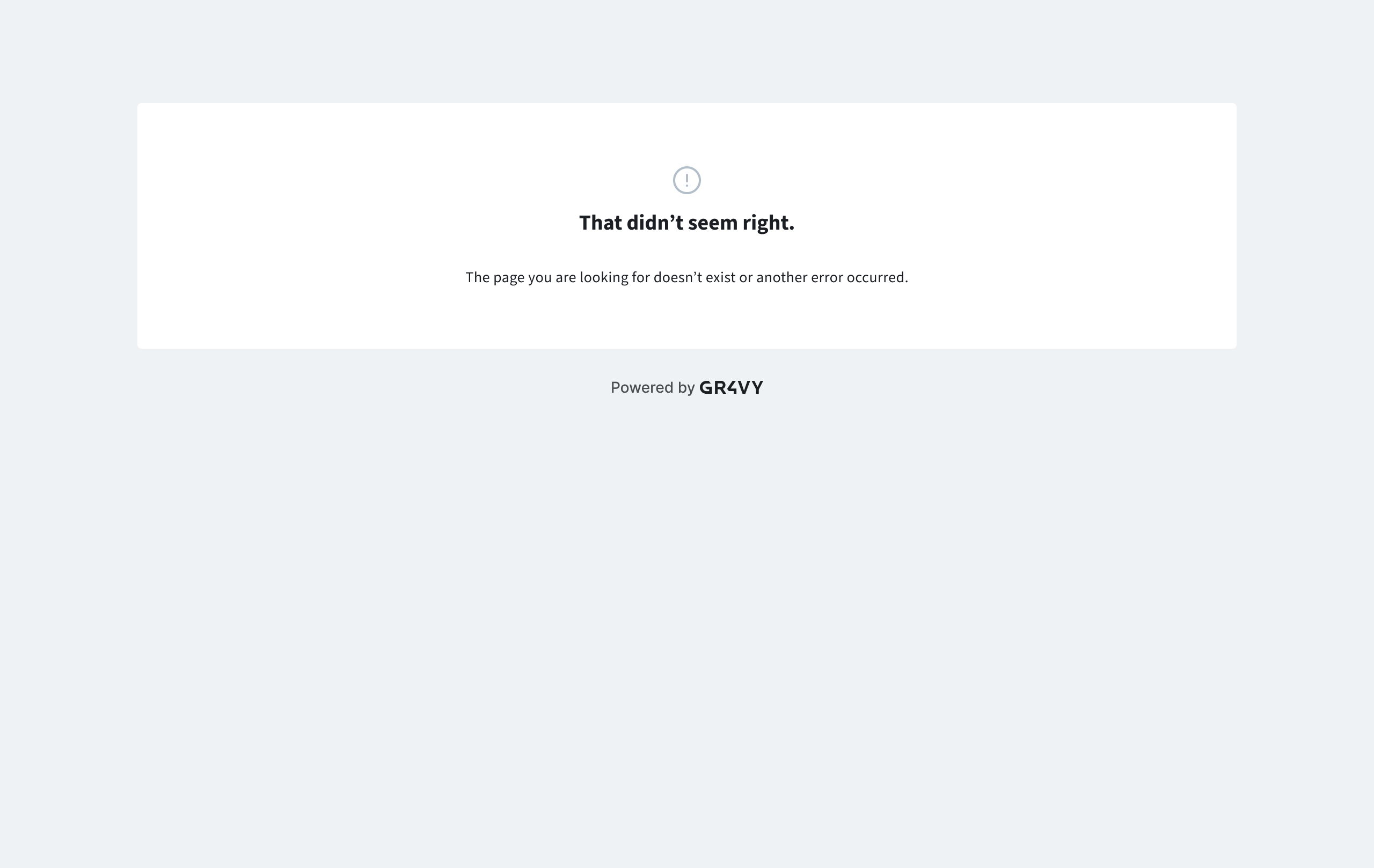
### Generic error
Either the payment link id provided is invalid or some other error occurred when loading the page (for example network error).
 ### Payment link not found
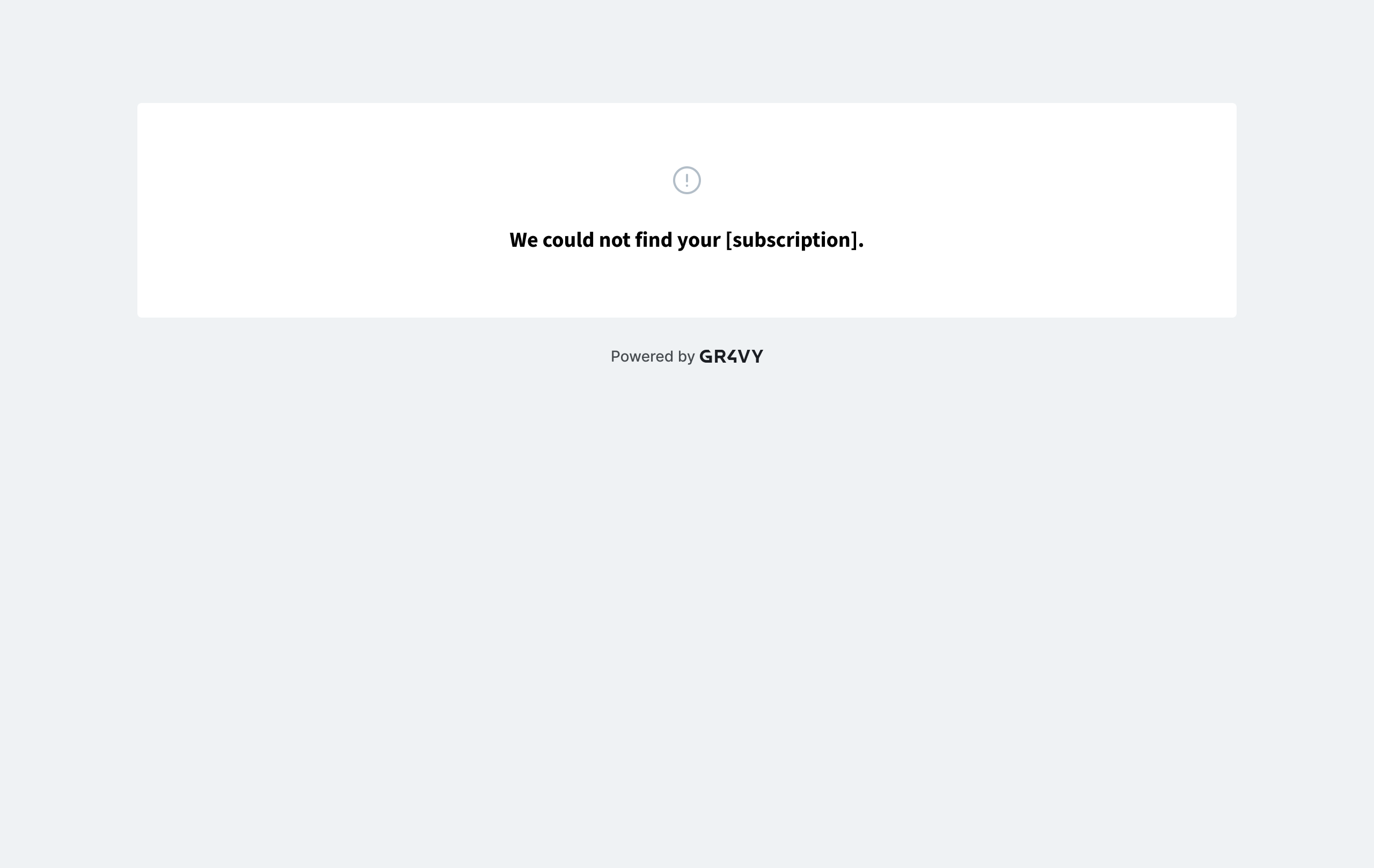
The payment link id provided is valid but the resource associated with it could not be found.
### Payment link not found
The payment link id provided is valid but the resource associated with it could not be found.
 ### Redirecting
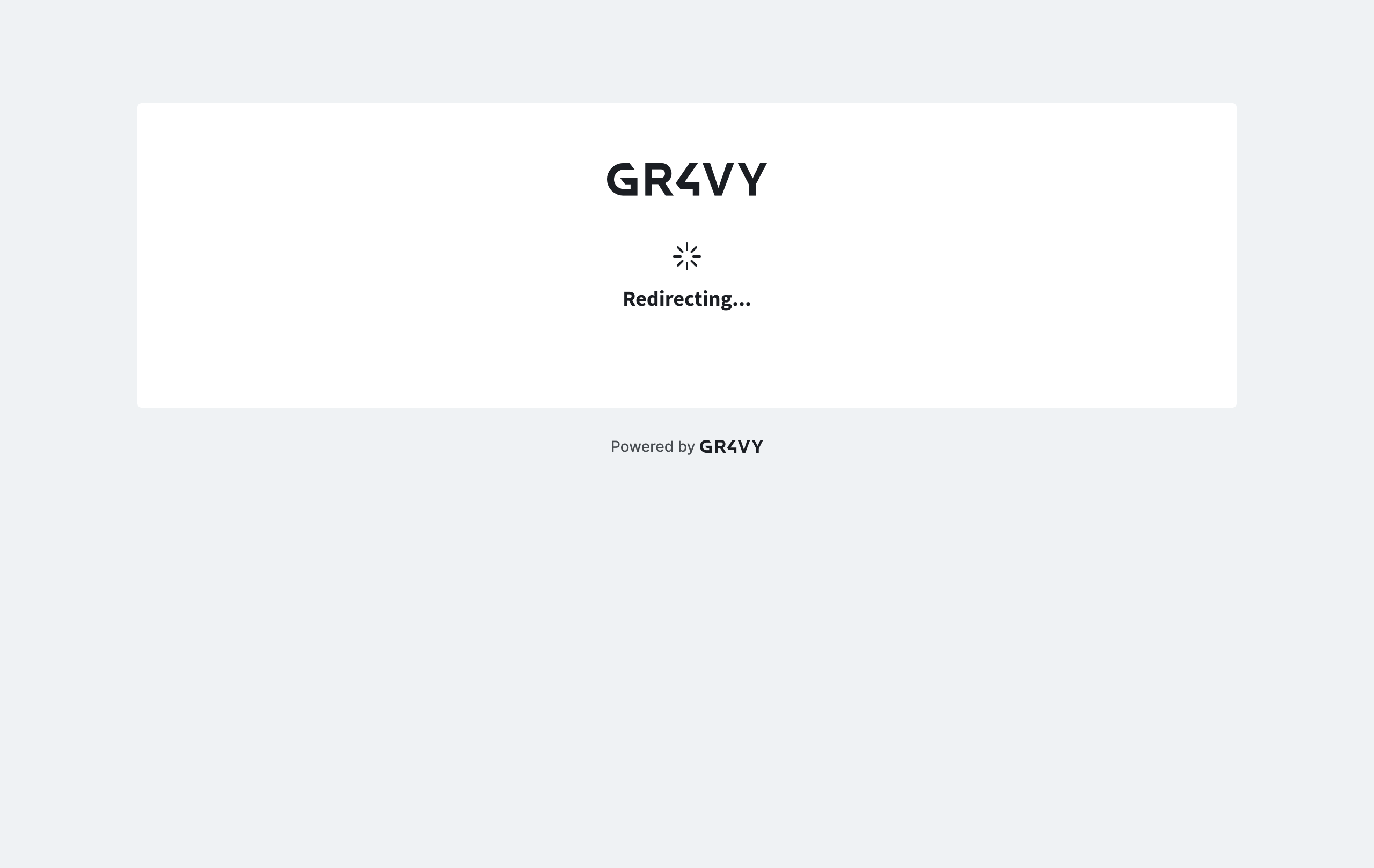
Embed has created the transaction and the page is redirecting the customer to the `return_url` or the internal confirmation screen.
### Redirecting
Embed has created the transaction and the page is redirecting the customer to the `return_url` or the internal confirmation screen.
 ### Payment successful (internal)
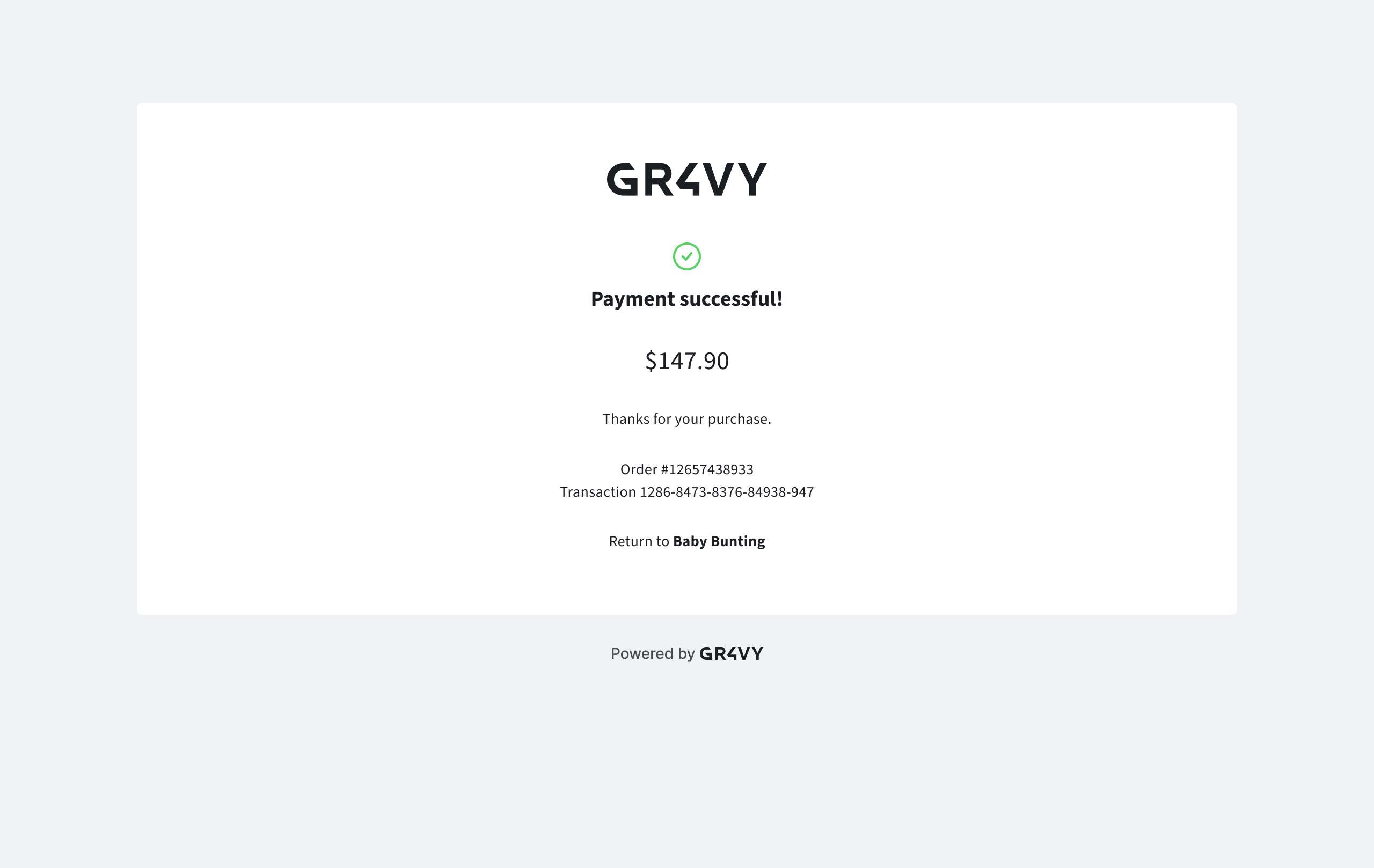
The payment was successful and a `return_url` was not specified. Also displays if the payment link has already been used.
### Payment successful (internal)
The payment was successful and a `return_url` was not specified. Also displays if the payment link has already been used.
 ## Expiration
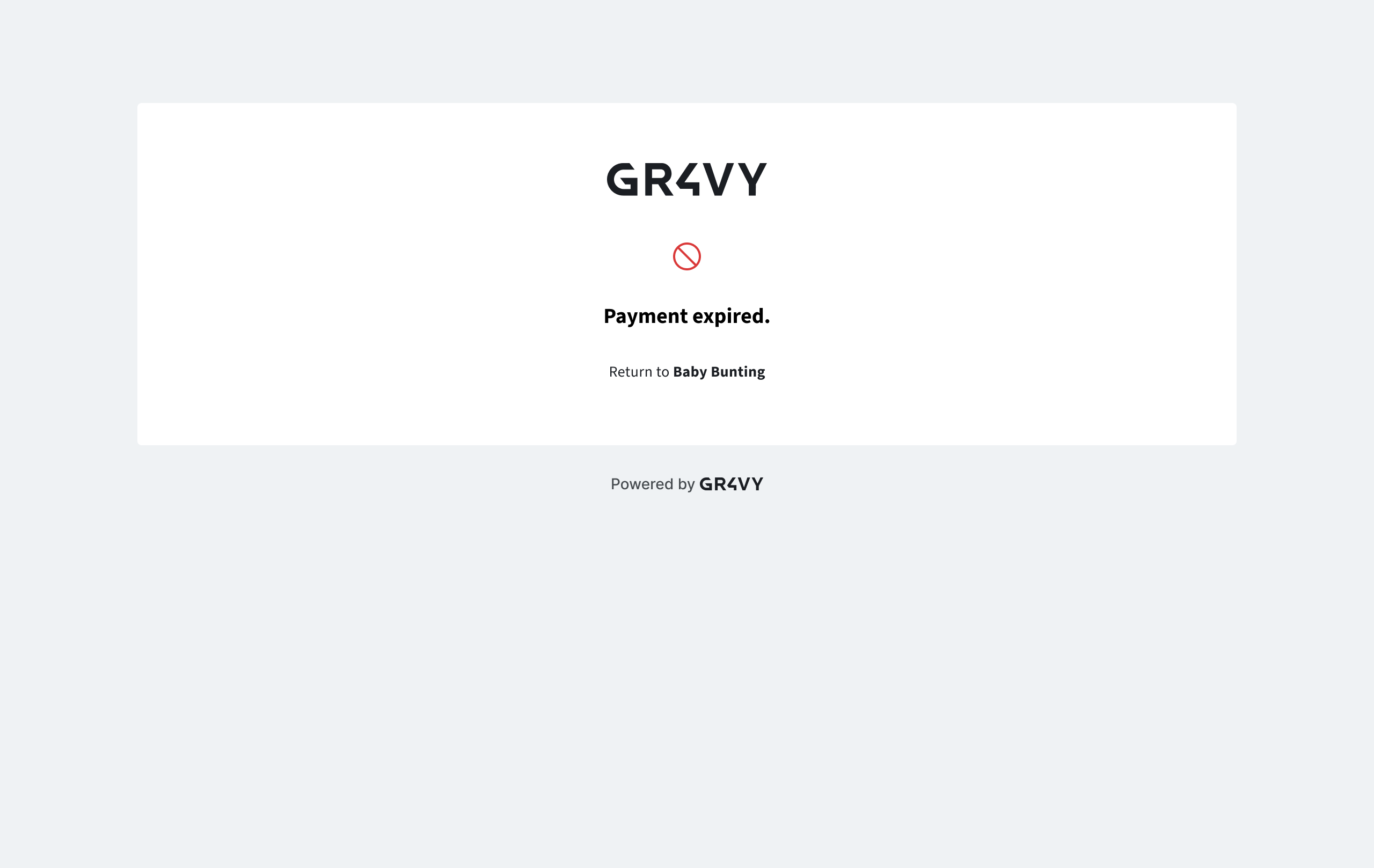
By default, payment link expires in 24 hours. This can be configured separately by setting the `expires_at` field in the API.
Once expired, a payment link no longer loads and instead shows the following screen.
## Expiration
By default, payment link expires in 24 hours. This can be configured separately by setting the `expires_at` field in the API.
Once expired, a payment link no longer loads and instead shows the following screen.
 This documentation is built and hosted on [Mintlify](https://mintlify.com), a developer documentation platform.